

As has been noted in this space previously, it is helpful to check from time to time that your Internet service provider is delivering the performance you are paying for.
In practical terms, that means making measurements with one or more tools that measure Internet bandwidth, in essence the speed with which data can be downloaded and uploaded, to and from a device in your home.
Furthermore, such measurements really need to be made with a wired device, as opposed to with a mobile device such as a cell phone or tablet connected to your home service over Wi-Fi.
In my home, where the primary service provider is Shaw Communications (the home landline is a $10.53-a-month service from Telus), we pay for 300 megabits per second (Mbps) speed for our Internet connection. The machine where this column is being written is a desktop computer located one floor up from the Shaw modem/router box and connected over Wi-Fi (with a choice of 2.4 or 5 GHz feeds). At this instant, a test shows that the actual download speed or bandwidth into the computer is 39 Mbps, and the outbound or upload value is 16 Mbps (Shaw promises 15 Mbps).
If I were to phone Shaw, or contact them through their Twitter support, and complain that my download speed was much lower than I was expecting, I would be told to make a measurement from a device connected directly to the company’s box. That’s reasonable. Internet bandwidth over Wi-Fi can vary dramatically, even within a room. Distance, construction materials, interference from other electronic gear (yours, or even your neighbours’), are just some of the factors that come into play when it comes to such measurements.
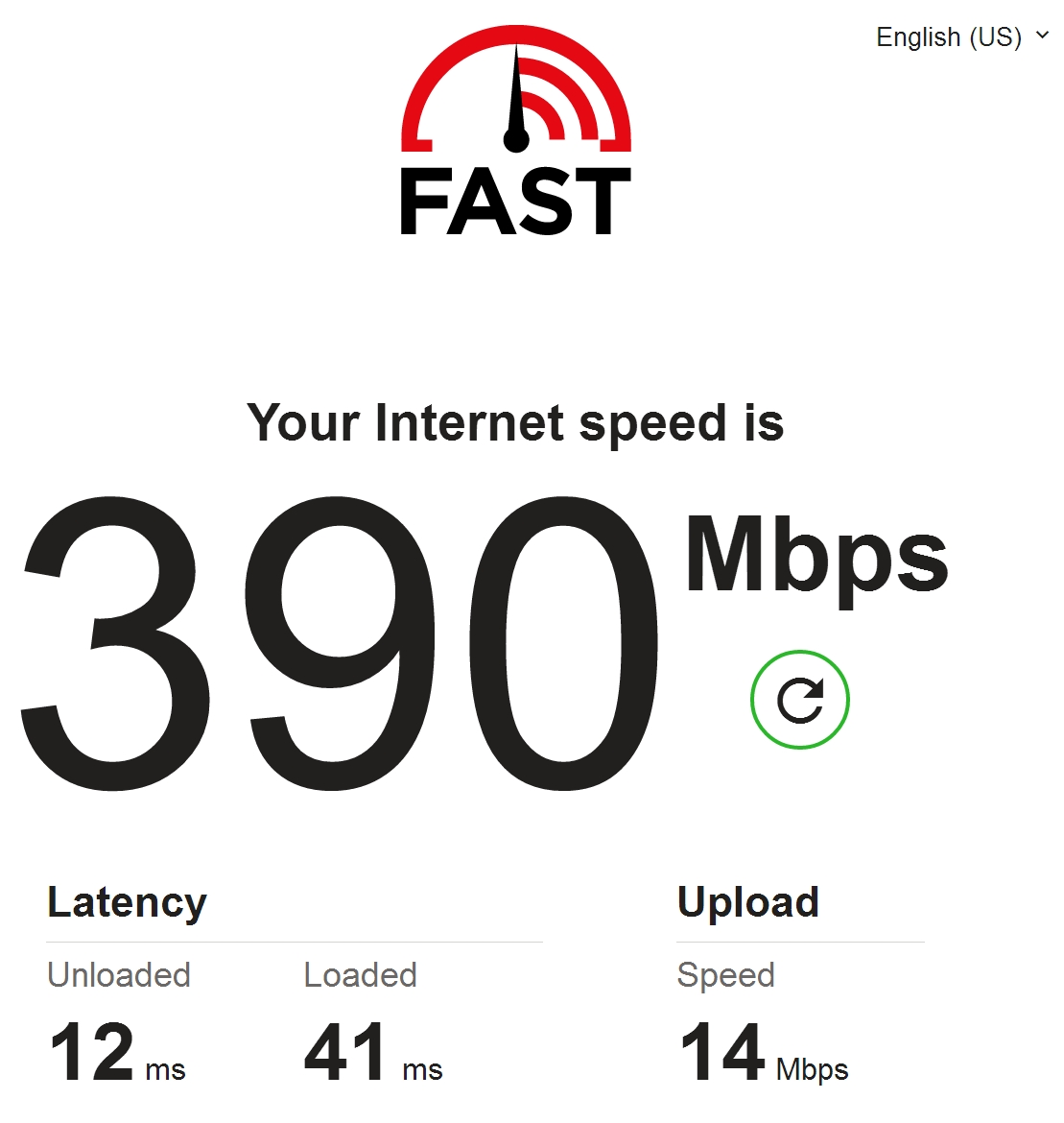
A quick walk downstairs to the basement with the Chromebook on which this column is usually written shows a Wi-Fi download speed of 290 Mbps and the same outbound speed as on the second floor, 16 Mbps. These values are obtained with the device just one metre away from the router/modem. A desktop computer wired into the router/modem shows values of 390/14.
Those numbers are perfectly acceptable. Shaw is delivering what I am paying for. I may not get the specified performance on all devices in all locations, but concerns in that regard are beyond the provider’s mandate.
As a third check, I measured the bandwidth in a location as far away as possible from the modem router, on the third floor on the opposite side of the house. I had to switch to the 2.4 GHz signal as the 5 GHz signal was just too weak to use reliably. The download speed was just 16 Mbps, the upload still quite constant at 14.
In fact, the 5 GHz signal, which generally gives much better performance than the lower frequency 2.4 GHz one, is difficult to connect to reliably in much of my house. Shaw needs to improve the antennas in its boxes. Either that, or I buy a third-party router to get better signals throughout my home, particularly for 5 GHz.
Want to check the bandwidth of your home Internet service? Here are three Web-based tools to use. Fast.com from Netflix. As to be expected, Fast focuses on the download speed, but can provide upload speed, and some additional indicators, with an extra click. Speedtest.net from Ookla. This widely used service is unfortunately blanketed in advertising. Not so well known is speedof.me. Its measurements are a little more sophisticated and generally give results lower than the other two, and so are likely a better indication of actual performance.
***
It seems that not all Telus email customers have had their service restored, some two months after the telecom giant suffered a near-complete breakdown of that critical component of modern telecommunications.
Telus remains cagey, if not outright silent, about exactly what took down such a key service. Twitter is rife with speculation, along with discussion of compensation that seems to be all over the map, ranging from $10 movie credits all the way up to a year of reduced-rate or free Internet service. More recently, some customers have posted photos of flowers and a note from CEO Darren Entwistle apologizing for the loss of service.
Follow me on Facebook (facebook.com/PeterVogelCA), on Twitter (@PeterVogel), or on Instagram (@plvogel)
pvogel@outlook.com