
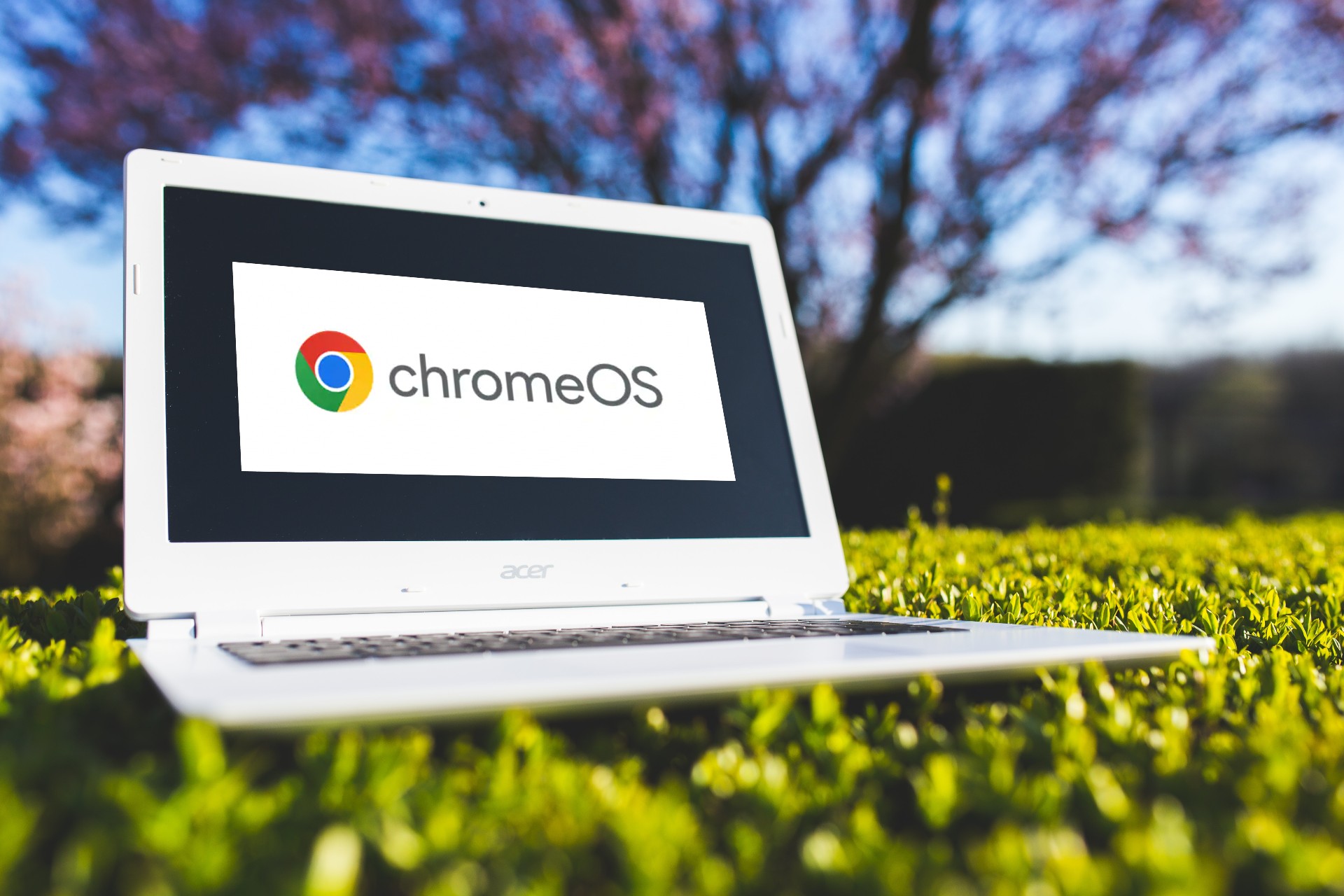

Longtime readers of this column know that I am a dedicated user of Chromebooks, the Google-driven platform that first appeared in Canada in 2012.
My school was one of two to first deploy the browser-based technology here in Canada. Sight-unseen I might add. Canadians weren’t eligible for the trial that ran the year previous, but I’d read enough to know that this could be a breakthrough product.
At first blush a Chromebook doesn’t seem to make sense. A laptop that runs the Chrome browser, although on top of a somewhat hidden ChromeOS, the Linux-based operating system, and that doesn’t run traditional applications (think Microsoft Word and Excel, Photoshop etc.).
In the early years I was sometimes ridiculed by education leaders for embarking down the Chromebook route. However after demonstrating a unit at a conference, Chromebooks began a path to wide adoption in BC. And indeed in many parts of the world.
Fast-forward to pandemic times and Chromebooks became ubiquitous. Schools already heavily invested in Chromebook technology were able to pivot quickly to online instruction. In the intervening years the move to web-based computing had taken hold and the need for traditional desktop computers with their installed software began to diminish.
A Chromebook is essentially a portal to the internet. And for many people that is all they need. They have no specific requirement for a powerful Mac or Windows machine. Everything they do is web-based.
That’s how it is most of the time for my Chromebook. My current model, an Acer 738T, is about to reach its auto update expiration, AUE, date. Although it remains usable, and will still be so after that date is reached, it won’t receive any additional ChromeOS updates.
In essence that means no access to new features in the Chromebook operating system, but more importantly, also no access to new security updates. This latter point is a showstopper for me. My Chromebook receives tens of hours of use a week, hundreds of hours a year. The machine has been a workhorse and I love the small form factor of mine.
Even if it wasn’t reaching AUE, my 738T has some hardware issues. The screen is dimming, and battery life has dropped from well over 10 to as little as two hours. I like to use it on the sundeck at night and find the lack of a backlit keyboard a drawback.
So, I need to replace the Chromebook. Should I go used or new?
Here’s where the AUE parameter becomes important. Do a Facebook Marketplace search for Chromebooks and you will find dozens for sale. That in itself is not surprising. The pandemic caused a major uptick in personal Chromebook purchases and as a return to the office and school take hold many such units are being sold off.
If you are tempted to buy a used Chromebook you’ll want to know about its auto update expiration. Fortunately Google makes that straightforward, with a single page devoted to every Chromebook ever made, organized by manufacturer and within that field, by model.
You can’t go wrong. As long as you have a model identifier you can look up the AUE and make an informed decision about whether or not a particular used Chromebook is for you.
In looking at some of the Facebook Marketplace ads it is clear that many sellers have no inkling about AUE. I contacted a few myself to ask, particularly when the listing didn’t show the actual model identifier. All were surprised. In nearly every case they were unaware that there was such a parameter that ultimately affects a Chromebook’s operation.
It’s not unusual to find listings for Chromebooks described as NIB, new in the box. However, if that box has been sitting in a basement for a few years it may have only a few more left before reaching AUE. You shouldn’t be paying anywhere near full price for such a purchase.
Unlike typical Windows laptops, the speed and performance of a Chromebook is unaffected by use over time. My Chromebook is as zippy today, with about 50 tabs open, as it ever was. But I’m not going to compromise on security. With Google rolling out ChromeOS revisions about once a month, you can see that your Chromebook will quickly begin to miss out on a host of improvements and fixes in a short time.
In recent years, manufacturers, together with Google, have markedly raised the longevity period for Chromebooks. Those first 2012 Chromebooks had a three-year AUE. Current models here in September 2022 have AUEs reaching into 2030.
So, what should you pay for a used Chromebook? Well, I notice that one seller, who initially asked $450 (for an Acer Chromebook 15, described as “Used, like new”), has now lowered that to $150 after I asked about the AUE. The AUE for that listing is June 2022. I’m certainly not going to spend $150 on a unit that will no longer update. I might spend say $100 for a unit with around two years left, or around a dollar a week.
On the other hand, another seller has a more recent model by HP, described as having been used just three times, listed for $150. It has an AUE of June 2029. That’s the equivalent of around $2 a month or fifty cents a week if used until then. That’s a good deal.
My thinking is that I will easily find a good, lightly used Chromebook with five to seven years until AUE, for about half the cost, or less, of new.
If a Chromebook isn’t for you, there is an even bigger supply of used Windows and Apple Mac laptops. However, these have no AUE dates, and the heavier demands on battery life from those platforms makes for a more challenging experience when buying used devices.
Follow me on Facebook (facebook.com/PeterVogelCA), or on Twitter (@PeterVogel).