
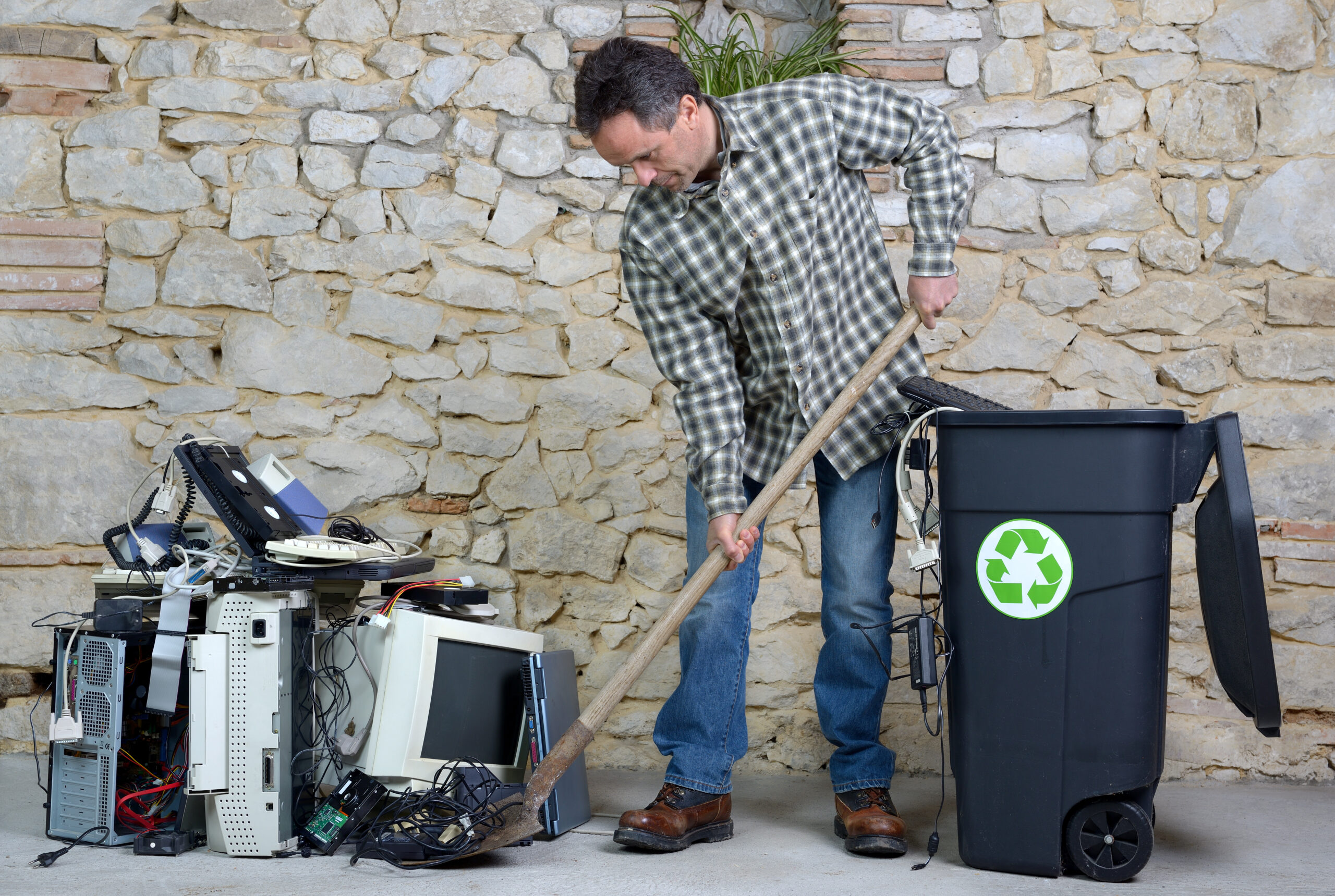

Let’s face it, the days of the dedicated standalone home computer, with dedicated local software installations, are fading away. How many of you reading this still use such a computer? Have you switched to the tablet format, that is, typically, an iPad or Android tablet? Or perhaps everything is done with your phone? Or maybe you have a laptop, either of the PC, Mac, or Chromebook variety, to complement your phone’s use as an internet-connected device?
In this heavily connected world, large-format computers are no longer the necessity they once were. So-called “tower” devices are frequently sitting unused in a basement closet, or perhaps they’ve been shipped off to the local recycler or thrift store. Even these stores may have a difficult time moving such gear. Like audio CDs, their time seems to have passed.
Perhaps you’ve noticed some of this at your church or community bazaar or garage sale, signs saying “No CDs, no computer gear.” Organizers have come to realize they have to haul away much of this material after the event, as it mostly goes unsold.
Some reading this will, of course, challenge such thinking. I’ve heard various arguments. Here’s a typical example: “I need to run Office 20xx,” where “xx” refers to any of a number of older versions of Microsoft’s desktop office utilities package (Word, Excel, PowerPoint, etc.). If I ask why there is this need, I’m usually met with a vague hand-waving argument in return.
We are in the age of the online world where many applications no longer need to live on a local computer. Call it cloud computing, if you will. Some of you who use Chromebooks have been in this “world” for more than a decade.
Of course, there are still professional needs for desktop computing power for tasks such as video editing or for custom-created applications, perhaps in accounting and inventory control, but we are talking here about the typical home user.
Going forward, artificial intelligence applications will drive the nature of home computing devices. The age of the CPU (central processing unit) and GPU (graphics processing unit) is quickly expanding with the NPU (neural processing unit), which is crucial to artificial intelligence commands processing. This will only become more important as large language models (LLM), the present bread and butter of the AI industry, are complemented by locally stored small language models (SLM) designed for specialized tasks.
NPUs are already deployed in recent-model mobile phones and laptops. Should you happen to be looking for a new laptop, or, less likely, a desktop computer—perhaps because of the upcoming deprecation of Windows 10—you may want to check if it includes NPU functionality.
With this background material out of the way, let’s take a brief look at some online tools you may want to check out.
How about an amazing free online image editing site, www.photopea.com? Here’s a good example of a site that performs complex tasks and handles a variety of file formats without the need of any local installation.
Need to work with a PDF? Try PDFescape.com. The free online version handles many typical PDF needs.
Need to convert a file type? I often have to do this with some satellite experiments I run where my phone records audio in M4A format, but my processing applications require WAV format. I’ve used cloudconvert.com for almost a decade for this sort of task. It’s very quick, but works most efficiently if you create a login account for the service.
Have a need for an animated GIF creator? EZgif.com is really versatile. I use it frequently to produce animated sequences of weather satellite images. Its “optimize” feature is particularly important to me so that I can get the final file size of the image below 15 megs, the limit imposed by X/Twitter for use with its posts.
However, is there even a point to listing resources such as this when we have various AI platforms available for general use? Surely Grok, or ChatGPT, or Gemini, or Copilot—to name but four such platforms—can immediately suggest resources for any specific task we have in mind.
I actually asked Grok to suggest its take on the four top AI services for general purpose usage in 2025 and to rank them. It suggested such a ranking should be based on “factors like performance, accessibility, and versatility.”
Unsurprisingly, Grok placed itself first, with a top score of 73 on the Artificial Analysis Intelligence Index for its recent Grok 4 release, saying it “excelled in conversational depth, reasoning, and real-time data integration, especially for X users. Its free access with usage limits and unique perspective make it highly versatile for diverse tasks.”
Although it didn’t provide an index for the other three, it did claim to rank order them, placing OpenAI’s GPT-4o second for its text generation, coding, and broad task coverage, followed by Anthropic’s Claude 3.5 Sonnet for “excelling in writing, memory, and safety-focused tasks, often rivaling larger models.”
Grok placed Gemini 2.0 Pro in fourth spot, saying it “integrates seamlessly with Google’s ecosystem, excelling in research and contextual tasks. While powerful, especially with paid plans (~$20/month), its scope is narrower compared to the others, making it best for Google Workspace users.”
While the days of the standalone home computer are indeed numbered, the need for cloud computing—driven mainly by the demands for AI-focused tasks operating on mobile devices and even on active glasses—will be in a high growth pattern for the foreseeable future.
Follow me on Facebook (facebook.com/PeterVogelCA), or on Twitter (@PeterVogel)
Your voice matters! Join the conversation by submitting a Letter to the Editor here.